
The Lenovo ThinkPad T14 Gen 5 (14-inch Intel) is worth shortlisting if you are approaching a business-laptop purchase as an ownership decision rather than a specification-sheet contest. Lenovo presents it in the ThinkPad T series and provides an official support route for the T14 Gen 5 type family. That combination gives buyers a useful starting point for comparing configurations and researching service options.
It is not, however, proof that every available build has the same parts, price, upgrade path or repair difficulty. The sensible route is to identify the exact machine type and configuration first, then use Lenovo’s product and support information to verify the details that matter to your work and your likely repair needs.
Lenovo ThinkPad T14 Gen 5 at a Glance
AI-generated illustration — not a retailer product photo.
Lenovo lists the ThinkPad T14 Gen 5 (14-inch Intel) within its ThinkPad T series. That makes it a natural model to investigate for home-office and small-business roles where the purchase needs to support day-to-day work, procurement consistency and a considered ownership plan.
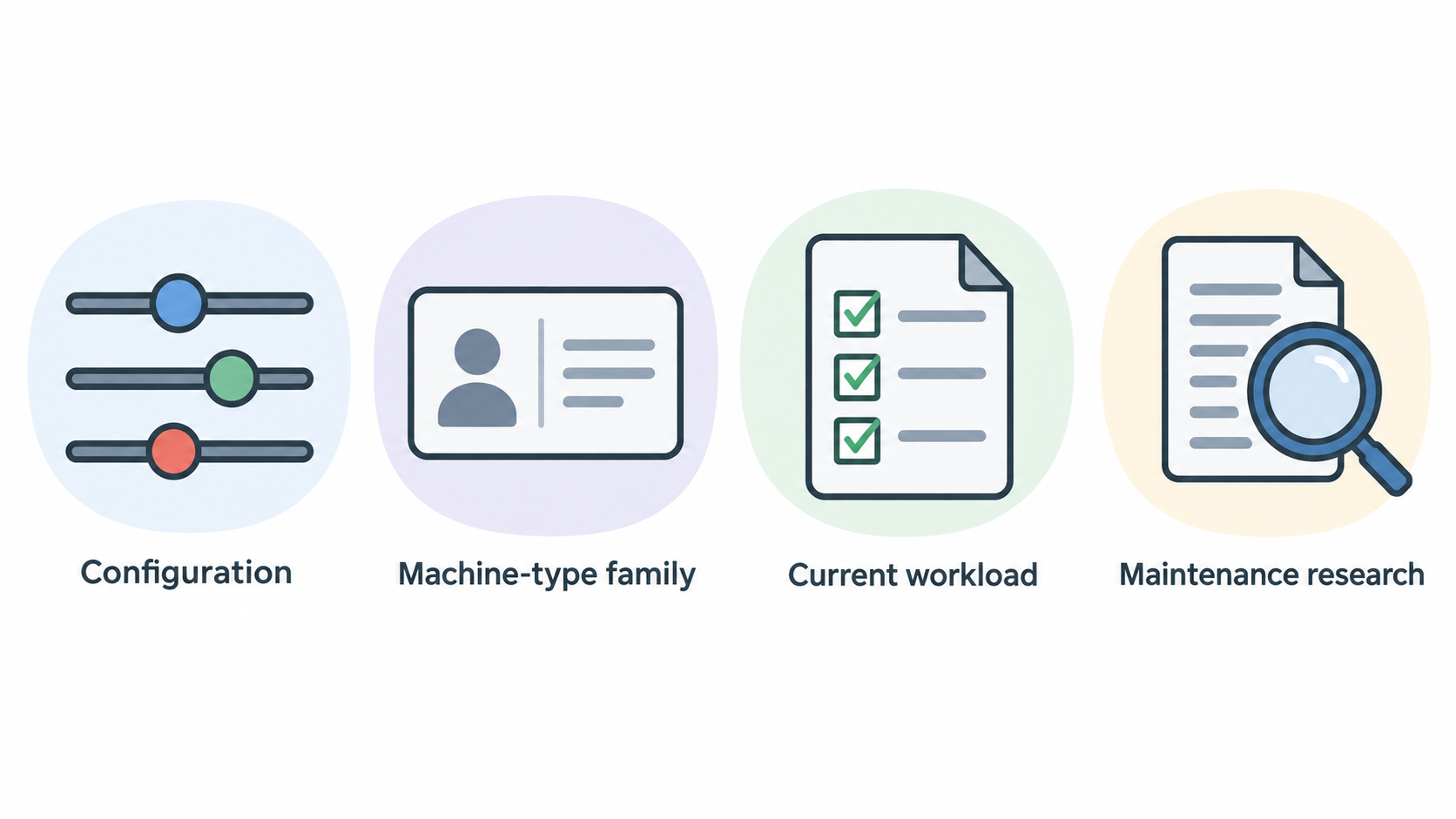
The most useful evidence-led way to assess it is not to assume a single “T14 Gen 5” specification. Start with the configuration offered on Lenovo’s product page, then consider the separate official support surface for the relevant T14 Gen 5 machine-type family. Together, those sources help frame two practical questions: does the configuration meet your current workload, and can Lenovo’s documentation support the maintenance research you expect to do during ownership?
This is a referral guide, not a hands-on test. It does not claim measured performance, battery life, build quality or component-level upgradeability. Instead, it helps you turn Lenovo’s public product-family and support information into a more careful buying checklist. For a broader comparison process, pair this with a business-laptop buying guide before narrowing your shortlist.
Configuration Choices That Matter Before You Buy
AI-generated illustration — not a retailer product photo.
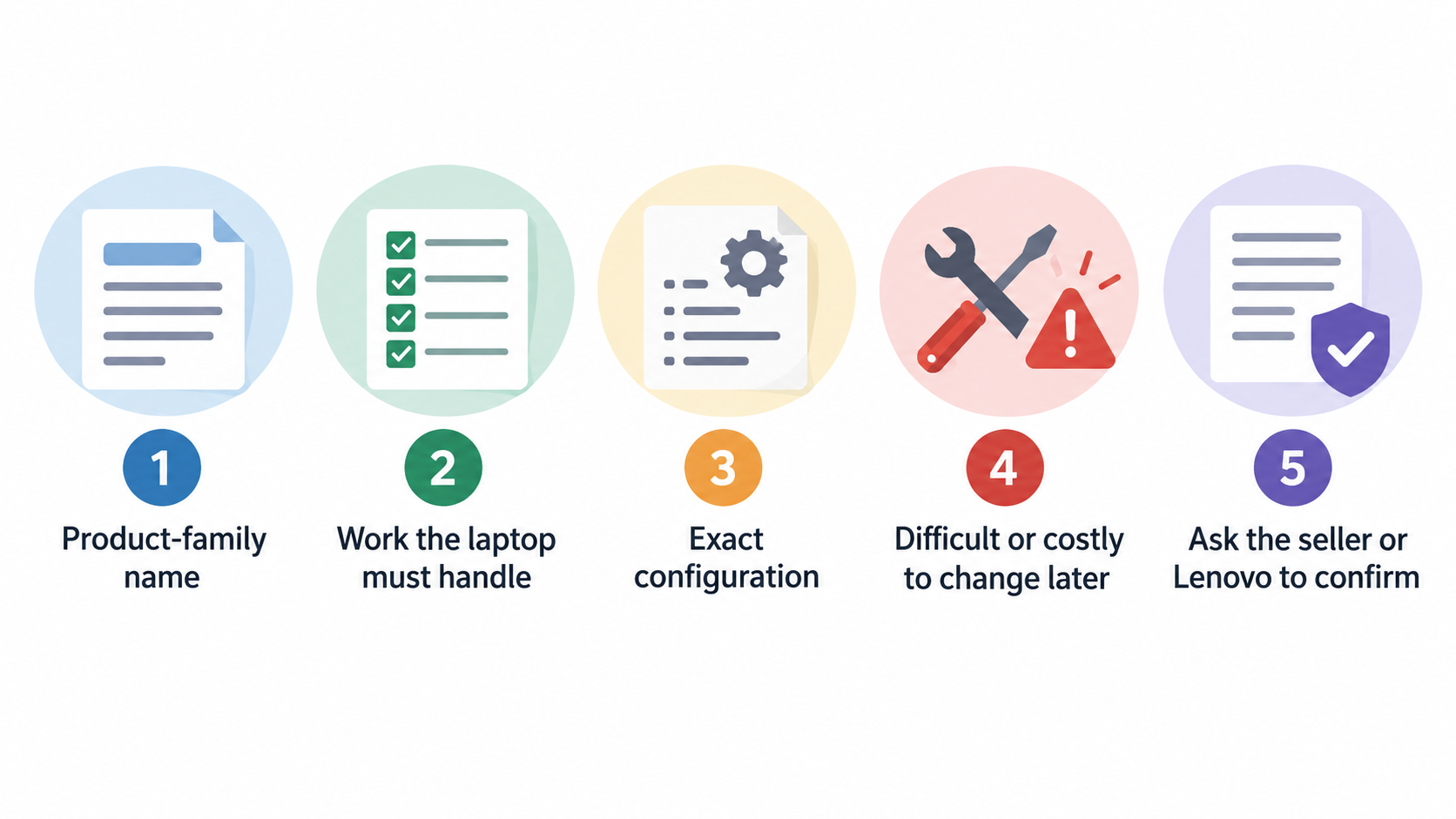
The retail listing identifies this model as the ThinkPad T14 Gen 5 (14-inch Intel), but a product-family name is only the first step in a purchase decision. Before ordering, make a written list of the work the laptop must handle: office applications, browser-based tools, video calls, local files, external displays, travel or desk-based use. Then compare that list with the exact configuration Lenovo is offering at the time you buy.
Pay particular attention to choices that are difficult or costly to change later. Ask the seller or Lenovo to confirm the full configuration reference, the exact machine type, included operating system, warranty terms and the documentation applicable to that unit. If you expect to add storage, memory or another component later, do not treat the family name as confirmation that the change is supported. Check the relevant official procedure and parts information for the individual machine first.
Availability and commercial offers can also change. A promotion shown on a product page should not be treated as a permanent price, and a configuration visible today may not be the one supplied tomorrow. Save the configuration summary and order reference before checkout, especially when buying several systems for a small business.
A useful pre-purchase checklist is simple:
- Match the offered configuration to the applications and peripherals you actually use.
- Record the exact model and machine-type information before placing the order.
- Confirm warranty coverage for your country and purchasing channel.
- Verify any future repair or upgrade you consider essential using Lenovo’s exact-model support materials.
For help translating workload into a specification shortlist, use an office-laptop specification guide alongside the official listing.
What Lenovo’s Self-Repair Documentation Means for Ownership
AI-generated illustration — not a retailer product photo.
Lenovo provides an official self-repair removals-and-replacements support route for the ThinkPad T14 Gen 5 type family referenced in the supplied support evidence. For a repair-conscious buyer, the existence of an official documentation surface is meaningful: it gives you a place to begin investigating service procedures rather than relying solely on generic videos, forum advice or assumptions based on older ThinkPad generations.
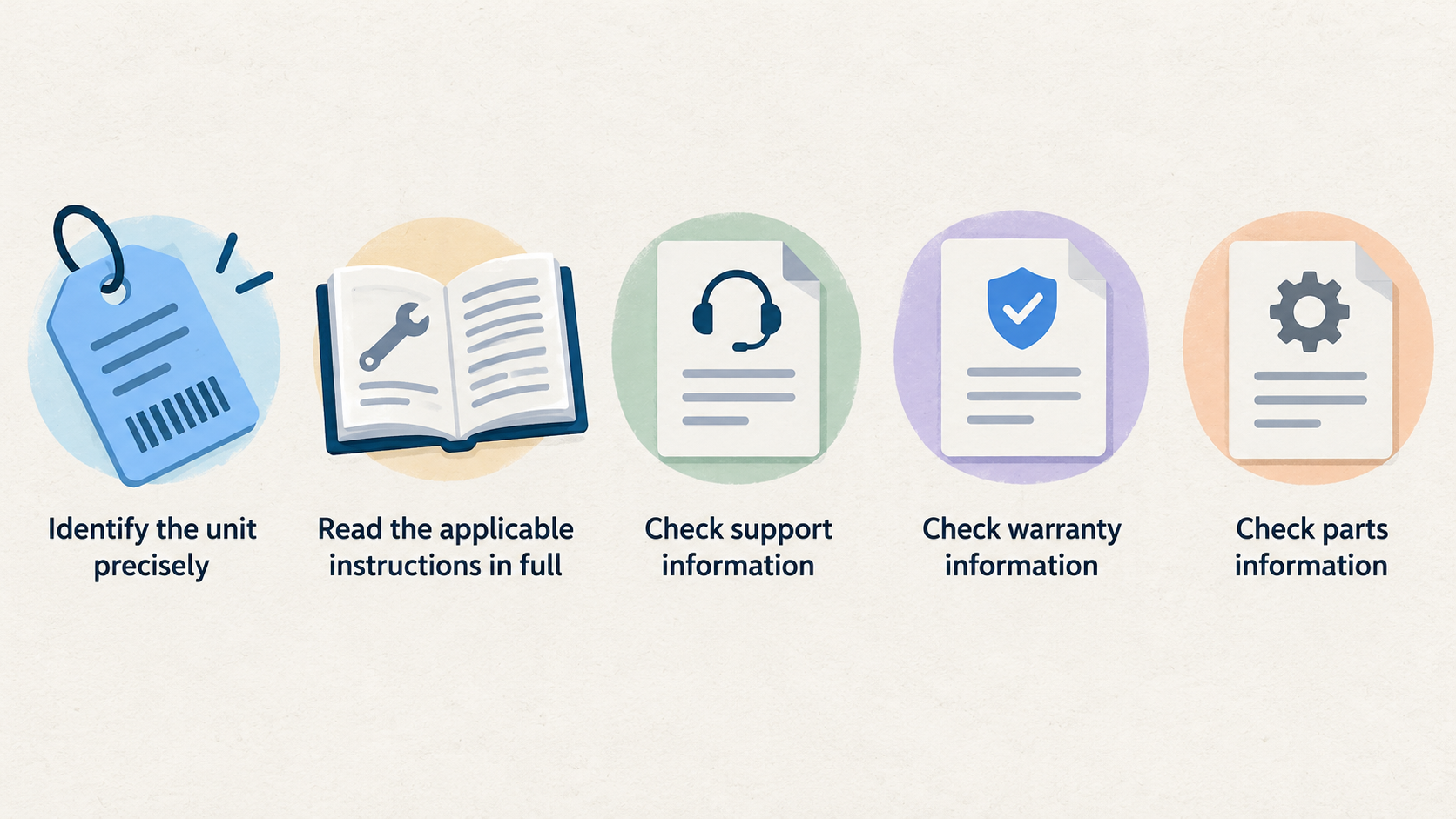
That said, documentation is an ownership resource, not a blanket promise. Its value depends on whether the procedure covers your exact machine type, the affected part and the work you are considering. Before opening a device or ordering a component, identify the unit precisely, read the applicable instructions in full and check Lenovo’s support, warranty and parts information. Where the documentation requires product identification or sign-in, complete that step rather than extrapolating from a closely related configuration.
This approach can improve the quality of a repair decision in several ways. It helps you distinguish a known, documented procedure from an uncertain one; it makes it easier to prepare an accurate service enquiry; and it gives you a basis for asking a repair provider whether its quote includes the correct part and procedure. It can also help a small-business buyer plan documentation and warranty checks before a fault becomes urgent.
Do not interpret an official self-repair page as evidence that every component is user-replaceable, inexpensive to source or easy to fit. The real test is the exact procedure for the exact unit. A repairability checklist and a guide to finding a laptop’s machine type are useful companions to that verification.
Limits of the Available Documentation
The available evidence establishes two bounded facts: Lenovo has a product listing for the ThinkPad T14 Gen 5 (14-inch Intel), and Lenovo has a support route for removals and replacements for the referenced T14 Gen 5 type family. It does not establish the specifications, parts compatibility, repair difficulty, price, stock status or warranty terms of every individual configuration.
This distinction matters because laptops sold under one family name can vary by region, sales channel and configuration. A repair guide may apply to a specific type range, while a retail page may display an offer that changes over time. Lenovo’s support environment may also require sign-in or product identification before you can reach the information needed for a particular unit.
Before treating the laptop as upgradeable or straightforward to repair, verify the serial or machine type, the relevant official procedure, the required part and the warranty implications. If any of those points remain unclear, ask Lenovo support or a qualified repair provider for confirmation based on the exact unit. A warranty and repair-cost comparison guide can then help you put a quote into context.
Next step: Check your exact ThinkPad T14 Gen 5 model in Lenovo Support before buying parts or arranging a repair.
Repair or Replace: A Practical Decision Framework
For an existing ThinkPad T14 Gen 5 owner, the repair-versus-replace decision should begin with the fault, not with the model’s reputation. First, establish what has failed and whether the issue is covered by warranty, an applicable service arrangement or a documented Lenovo procedure for your exact machine type. Then obtain a quote that identifies the diagnosis, labour, parts and any data-recovery or shipping costs separately.
Repair is often the more sensible route when the fault is limited, the quoted work is proportionate to the laptop’s remaining usefulness and the repair can be tied to the correct official documentation or authorised service path. It is also worth considering when the current configuration still meets your work needs and replacement would create avoidable setup, migration or procurement overhead.
Replacement becomes more compelling when the problem is uncertain or recurring, the total repair cost is difficult to justify against a new system, or the existing device no longer suits the required workload. Do not reduce this to a single percentage rule: urgency, warranty coverage, security requirements, downtime and the cost of moving your work all matter.
Use this sequence:
- Confirm the exact model identifier and warranty status.
- Check whether Lenovo’s official materials cover the suspected repair for that type.
- Compare a properly itemised repair quote with the cost of a suitable replacement configuration.
- Factor in downtime, data handling and how long the repaired device is likely to remain suitable.
- Choose the option with the clearer evidence and lower total disruption, not simply the lowest upfront figure.
If you are unsure about the diagnosis or procedure, pause before ordering parts. An official document can inform the decision, but it does not replace a model-specific assessment of the fault.
Who the ThinkPad T14 Gen 5 Suits
The ThinkPad T14 Gen 5 is best suited to buyers who want to research a business-oriented laptop through both a Lenovo product listing and an official support path. It may be particularly relevant to home-office users and small-business purchasers who value keeping a record of exact configurations, checking warranty terms and investigating maintainability before a repair is needed.
It is a less certain fit for buyers who need a confirmed answer today on a particular component, a fixed all-in price, or independently measured performance and battery results. Those buyers should keep comparing until they have exact configuration evidence, current commercial terms and testing appropriate to their priorities.
For multi-device purchasing, the key question is consistency. Ask whether the machines you plan to buy share the same relevant model and configuration details, and retain those records for warranty and support purposes. Compare this model with other business-laptop reviews and a small-business procurement guide before standardising on a fleet.
Frequently Asked Questions
Does Lenovo provide self-repair information for the ThinkPad T14 Gen 5?
Lenovo provides an official removals-and-replacements support route for the ThinkPad T14 Gen 5 type family referenced in the supplied documentation. Use it as a starting point, then verify that the procedure applies to your exact machine type and the repair you need.
How can I confirm whether a specific T14 Gen 5 configuration supports the upgrade or repair I need?
Start with the exact model or machine-type information for the device, then consult Lenovo’s official product, support and parts materials for that unit. Do not rely on the T14 Gen 5 family name alone. If the support path asks you to identify the product or sign in, complete that process before deciding on parts or a procedure.
Should I repair my ThinkPad T14 Gen 5 or replace it?
Compare the confirmed fault, warranty position, documented service path, itemised repair quote, expected downtime and the laptop’s remaining suitability for your work. Repair may make sense for a clearly scoped issue on a still-suitable system; replacement may make more sense when costs, uncertainty or changing requirements are high.
Is the ThinkPad T14 Gen 5 intended for home-office and small-business use?
Lenovo lists the ThinkPad T14 Gen 5 (14-inch Intel) in its ThinkPad T series, making it reasonable to evaluate for those use cases. Whether a particular unit is suitable depends on the exact configuration, current price, support terms and the applications you need it to run.
Sources
Related reading
- Best repairable business laptops for German buyers: evidence-led top choices
- Framework Laptop 13 vs Lenovo ThinkPad T14 Gen 5: repairability, upgrades, and ownership fit
- Framework Laptop 13 review: repairability, practical limits, and alternatives
- Dell Latitude 5450 review: upgrade access, specifications, and practical business fit
Editorial information: About our editorial team · Read our editorial policy · Read our affiliate disclosure.