AI-generated illustration — not a retailer product photo.
Verdict: Choose by your ownership priorities
AI-generated illustration — not a retailer product photo.
Choose the Framework Laptop 13 if your long-term plan depends on documented self-service: you want to understand the machine, carry out routine part replacement where appropriate, and keep upgrade options in view over several years. Framework publishes repair and replacement guides for a broad set of Laptop 13 components, including the battery, display, mainboard, memory, storage, keyboard and Wi-Fi hardware. That documentation makes the ownership proposition unusually explicit.
Choose the Lenovo ThinkPad T14 Gen 5 if you prefer a conventional business-laptop route: a current ThinkPad T-series model bought through Lenovo’s established product line, with the procurement, support and configuration choices you would normally assess for a business device. Lenovo’s official German product page confirms the ThinkPad T14 Gen 5 (14-inch Intel) as the comparison model, but the supplied evidence does not establish equivalent component-level repair paths for it.
Neither choice is an automatic winner. Repairability is only one part of ownership. Your likely lifespan for the laptop, planned upgrades, confidence with repair work, support requirements and the cost of downtime should decide the result.
What this comparison measures
AI-generated illustration — not a retailer product photo.
This is a comparison of ownership models, not a benchmark of performance, battery life or build quality. The Framework Laptop 13 and ThinkPad T14 Gen 5 can both be considered by home-office users and small businesses, but the useful question is whether the machine supports the way you expect to maintain it.
Four factors matter here:
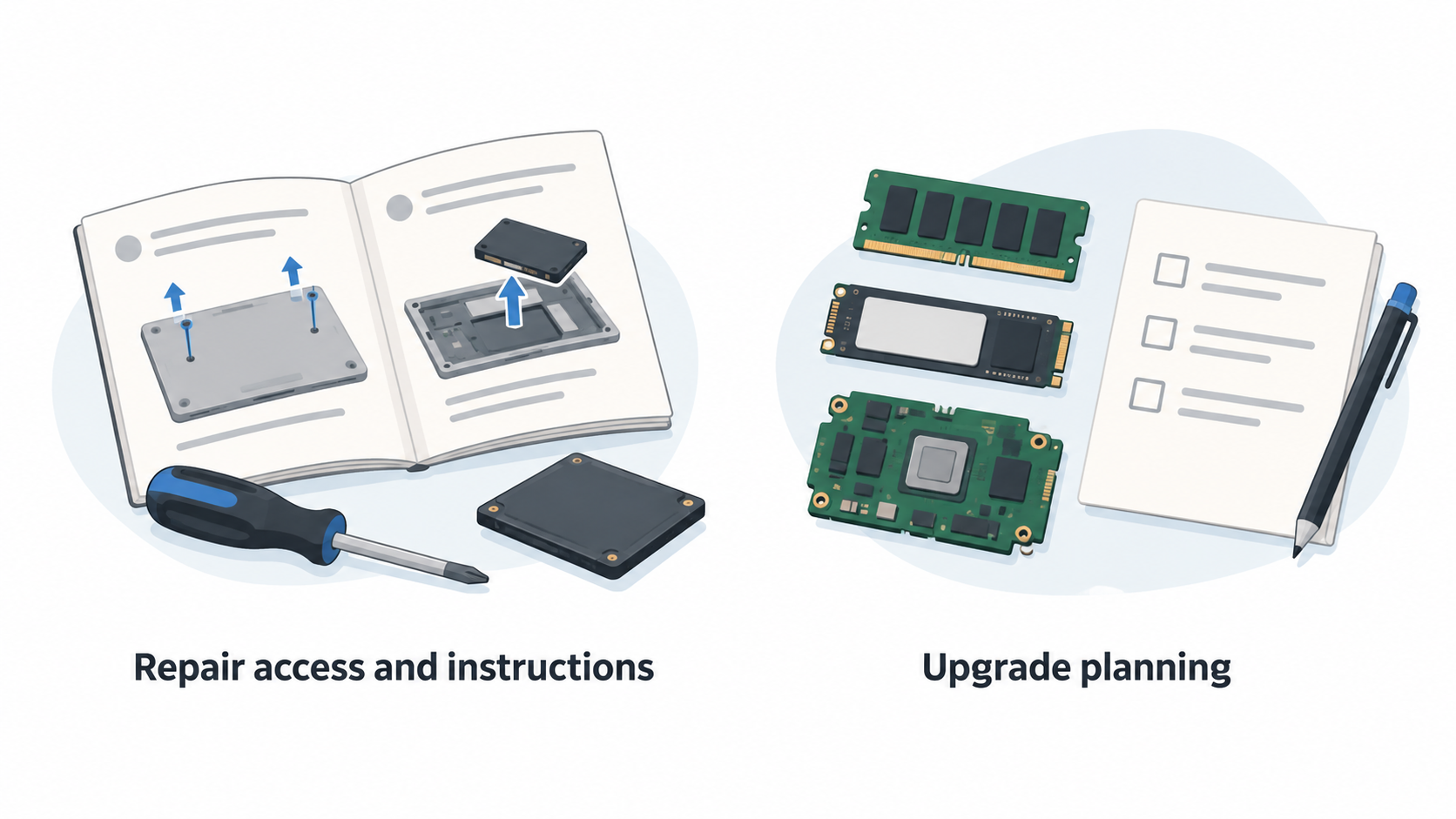
- Repair access and instructions: Can an owner or technician find clear, model-relevant guidance for opening the device and replacing a failed part?
- Upgrade planning: Can you identify which future changes matter to you—such as memory, storage or a mainboard—and plan around them rather than treating the laptop as fixed at purchase?
- Parts and support: Are parts, documentation, warranty terms and professional support routes suitable for your location and risk tolerance?
- Ownership horizon: Will you keep the device long enough that a repair or upgrade path could materially affect the decision?
iFixit’s repairability framework is a useful lens: a repairable device should be reasonably straightforward to disassemble and should have parts and instructions supplied or endorsed by the manufacturer. It also cautions that repairability is broader than a single score and that scoring criteria can change. Accordingly, this article does not assign either laptop an unsupported score.
The supplied sources give strong documentation evidence for Framework and identify Lenovo’s T14 Gen 5 product page. They do not provide like-for-like repair pricing, local parts availability, warranty coverage, configuration details or a direct teardown of the ThinkPad. Verify those purchase-specific details before committing.
Framework Laptop 13: the modular ownership case
AI-generated illustration — not a retailer product photo.
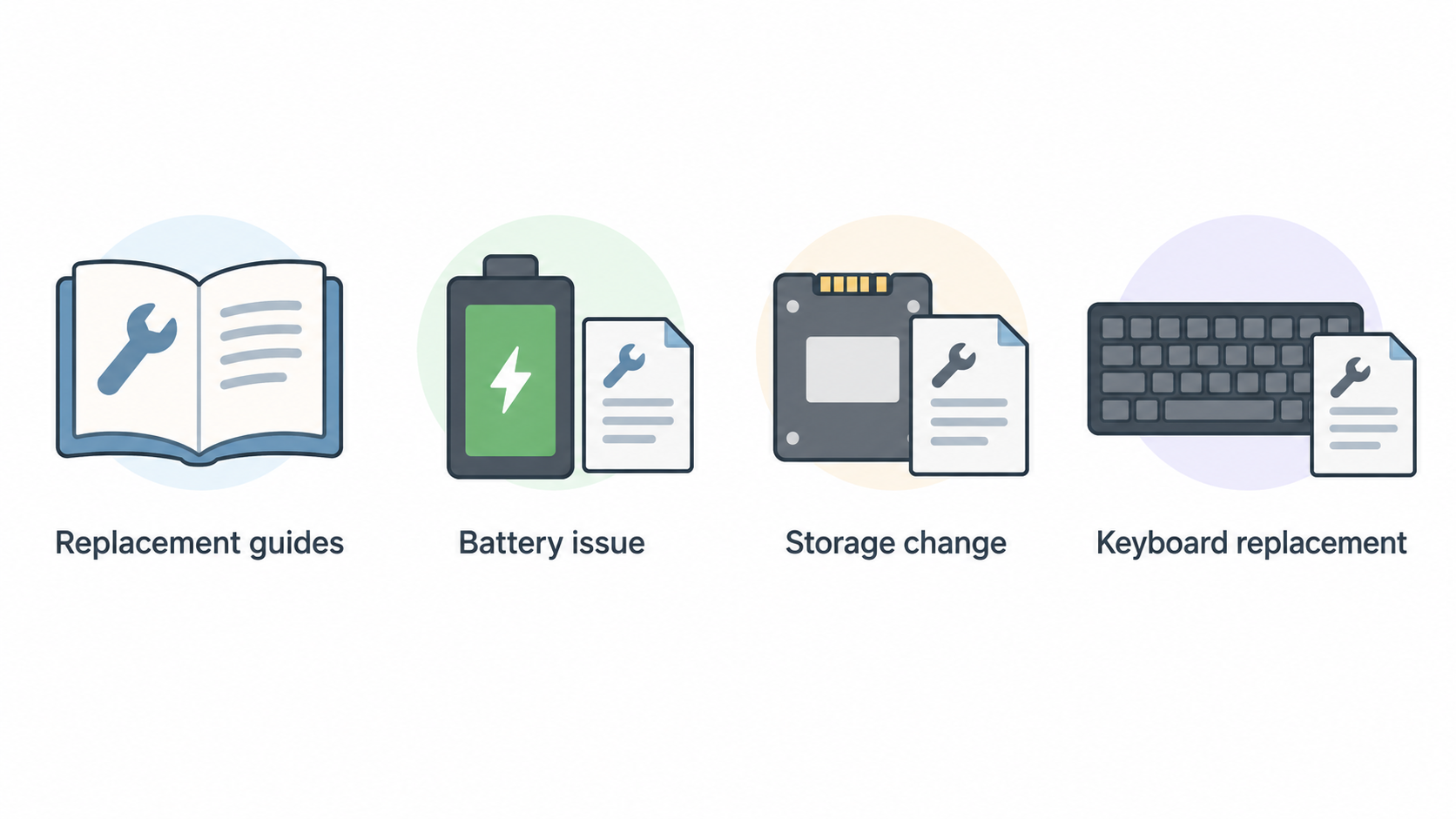
Framework’s published Laptop 13 guide collection is the clearest evidence in this comparison. It lists replacement guides for parts including the antenna module, audio board, battery, bezel, bottom cover, display, fingerprint reader, heatsink and fan, hinges, input cover, keyboard, mainboard, memory, speakers, storage, touchpad, webcam and Wi-Fi hardware. It also includes installation, repair and how-to material.
For a long-term owner, that breadth matters because it turns several potential maintenance questions into documented workflows. A battery issue, storage change or keyboard replacement is not automatically a reason to abandon the laptop; it is a question you can investigate against a manufacturer-published guide. The same applies to planning an upgrade: the guides show that Framework treats setup, repair and some upgrade paths as part of the product’s ownership experience.
This does not mean every repair is easy, cheap or sensible. A guide is evidence that a documented path exists, not proof of local stock, low cost, technical confidence or universal compatibility across every Laptop 13 generation. Still, published instructions and named replacement categories are meaningful advantages for buyers who want to keep maintenance options visible.
The practical benefit is control. A capable home-office owner can decide whether to inspect the guide, source the correct part and perform the work; a small business can use the same documentation to have a technician assess the repair. In both cases, a documented component route can make the repair-versus-replace decision more informed.
Framework Laptop 13: limits to weigh
A modular ownership model asks more of the buyer than simply choosing the highest specification at checkout. Before prioritising repairability, decide who will perform future work, how much downtime you can tolerate, and whether you are comfortable checking compatibility and following model-specific instructions.
Documentation alone cannot answer the financial questions. It does not prove that a replacement part will be inexpensive in your market, that it will be in stock when needed, or that a particular repair is better value than replacement. It also does not replace the need to review warranty conditions and the support arrangements available to you.
Configuration planning matters too. If your work depends on particular software, ports, peripherals, security requirements or a centrally managed business fleet, repairability should sit alongside those needs rather than override them. A modular design is most valuable when it solves an ownership problem you actually expect to have.
For buyers who want an appliance-like experience with minimal involvement, a documented self-service path may be reassuring but not decisive. For buyers willing to learn, maintain and plan, it can be central. The right interpretation is not “modular is always better”; it is “modular is useful when owner control is part of the brief.”
Framework Laptop 13 vs ThinkPad T14 Gen 5: ownership comparison
The central difference is the evidence available for each ownership approach. Framework’s official guide collection documents numerous Laptop 13 replacement categories and several repair or upgrade topics. Lenovo’s official German page establishes the ThinkPad T14 Gen 5 (14-inch Intel) as a current product in its ThinkPad T-series catalogue. On the supplied evidence, however, it would be unsupported to claim the same breadth of model-specific replacement documentation for the ThinkPad.
| Decision area | Framework Laptop 13 | ThinkPad T14 Gen 5 |
|---|---|---|
| Repair documentation | Framework publishes Laptop 13 setup, replacement, repair and how-to guides. | Confirm Lenovo’s current model and then check the exact service and support material for the configuration and market you intend to buy. |
| Upgrade planning | The guide collection explicitly covers memory, storage and mainboard-related material. | Treat upgradeability as a configuration-specific question; do not assume a comparable path without checking official documentation. |
| Ownership style | Suits buyers who want documented self-service to be part of the plan. | Suits buyers evaluating a mainstream ThinkPad business-laptop purchase and its associated procurement and support route. |
| Repairability assessment | Strong evidence of published component guides, but no universal promise of cost or ease. | Do not infer a repairability score or component access from the product page alone. |
iFixit’s framework helps keep this comparison fair. It directs attention to disassembly, parts and instructions rather than marketing language alone. Framework has clear evidence on the instruction side. For the ThinkPad, the responsible next step is to obtain the exact product documentation, support terms and service options applicable to the intended purchase.
A small business should also distinguish between a laptop that an employee can potentially maintain and a laptop that the business prefers to send through an approved support process. Those can both be rational choices; they simply produce different downtime, staffing and purchasing considerations.
Alternatives for different ownership models
If neither model fits neatly, start by identifying the ownership model you actually need.
Buyers whose first priority is repairability can compare other laptops using the same questions: are manufacturer-endorsed instructions available, can the device be disassembled without unreasonable difficulty, and can replacement parts be obtained? iFixit’s explanation of repairability provides a useful general framework, but it should not be used to transfer a score or conclusion from one model to another.
Buyers who want a conventional business laptop should compare current business-oriented models on support coverage, configuration suitability, fleet management needs and local service options. Repairability still belongs on the checklist, but it may not be the decisive criterion.
Buyers who do not intend to repair hardware themselves can also consider a professional-repair or refurbished-business-laptop route. In that case, ask the provider what is diagnosed, what parts are covered, how long a repair normally takes, and whether the device has a realistic support path for the period you plan to use it.
The aim is not to find a universally “most repairable” alternative. It is to avoid buying a laptop whose maintenance model conflicts with your skills, budget or downtime tolerance.
A repair-versus-replace decision checklist
Use this sequence before repairing, upgrading or replacing a home-office or employee laptop:
- Set the ownership horizon. If you expect to keep the device for several more years, investigate a repair or upgrade path before deciding that replacement is necessary.
- Identify the actual constraint. Is the problem a failed component, insufficient storage, memory pressure, software support, physical damage or a broader reliability concern? The remedy depends on the cause.
- Check model-specific documentation. Look for manufacturer-published instructions and the correct part or service route. Framework’s Laptop 13 guide collection demonstrates the type of evidence worth seeking.
- Price the whole interruption. Compare parts and labour with replacement, but include backup, setup time, data migration, lost work and any business downtime. There is no universal rule that repair is cheaper.
- Assess capability and risk. If you are not comfortable with the repair, use a qualified technician or an approved support route rather than treating a guide as an obligation to do it yourself.
- Recheck future fit. A successful repair is only worthwhile if the laptop still meets your expected workload, support and security needs.
This checklist makes repairability actionable without pretending it alone settles the purchase decision.
Frequently Asked Questions
Is the Framework Laptop 13 a better choice than the ThinkPad T14 Gen 5 for upgrades?
It is the stronger choice on the supplied evidence if your priority is documented owner-facing upgrade planning. Framework publishes Laptop 13 material covering memory, storage and mainboard-related topics. That does not prove it is better for every buyer: check the exact ThinkPad configuration, support route and your broader business requirements before deciding.
Does a repairable laptop always cost less to own?
No. Manufacturer instructions and replaceable components can make repair worth investigating, but they do not guarantee low part prices, local availability, low labour cost or minimal downtime. Compare the full cost of repair or upgrade with replacement for your own situation.
What should I check before attempting a laptop repair?
Start with the correct model-specific instructions, the intended replacement part, warranty implications, your backup and recovery plan, and your confidence with the procedure. iFixit’s framework highlights the importance of parts and manufacturer-supplied or endorsed instructions; if either is unclear, professional help may be the safer route.
Should a small business repair or replace an ageing employee laptop?
First establish the fault, the expected remaining useful life, repair cost, disruption to the employee and whether the laptop still meets the business’s software, security and support needs. Repair can be sensible when it restores a suitable device with acceptable downtime; replacement can be sensible when the wider ownership cost or risk is no longer acceptable.
Sources
- Framework Laptop 13 Guides
- Lenovo ThinkPad T14 Gen 5 (14-inch Intel), Germany
- iFixit Laptop Repairability Scores and methodology
Related reading
- Best repairable business laptops for German buyers: evidence-led top choices
- Framework Laptop 13 review: repairability, practical limits, and alternatives
- Lenovo ThinkPad T14 Gen 5 review: serviceability, configuration choices, and buyer fit
- How to choose a repairable laptop: parts access, documentation, and upgrade checks
Editorial information: About our editorial team · Read our editorial policy · Read our affiliate disclosure.