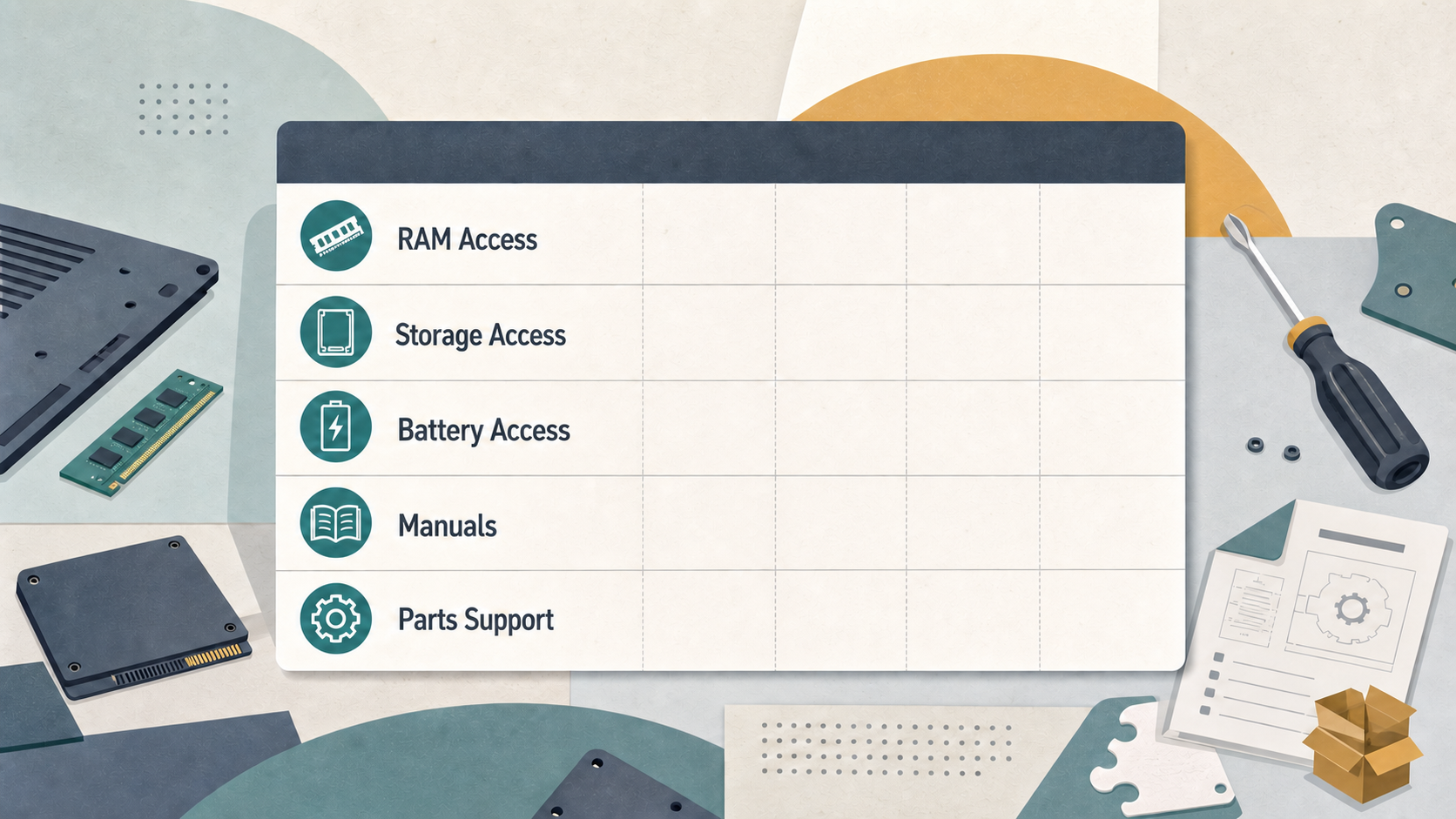
Choosing a business laptop for a long working life is not simply a search for a high repairability score. For German and European buyers, the useful question is whether the machine’s service path, upgrade options, documentation, parts access and support model suit the way it will actually be owned. This guide keeps that distinction clear while comparing the Framework Laptop 13, Lenovo ThinkPad T14 Gen 5, Dell Latitude 5450 and HP EliteBook 840 G11.
Verdict: The best repairable business laptops at a glance
AI-generated illustration — not a retailer product photo.
There is no evidence-backed universal winner in the supplied material, but there is a sensible shortlist for different ownership priorities. Start with the Framework Laptop 13 if modularity, owner-led changes and a repair-first purchasing mindset are central to your decision. Consider the Lenovo ThinkPad T14 Gen 5 when you want a current 14-inch ThinkPad sold through Lenovo Germany and familiar business-notebook positioning. Put the Dell Latitude 5450 and HP EliteBook 840 G11 on the shortlist when an established enterprise procurement or support relationship is more important than a headline repairability claim.
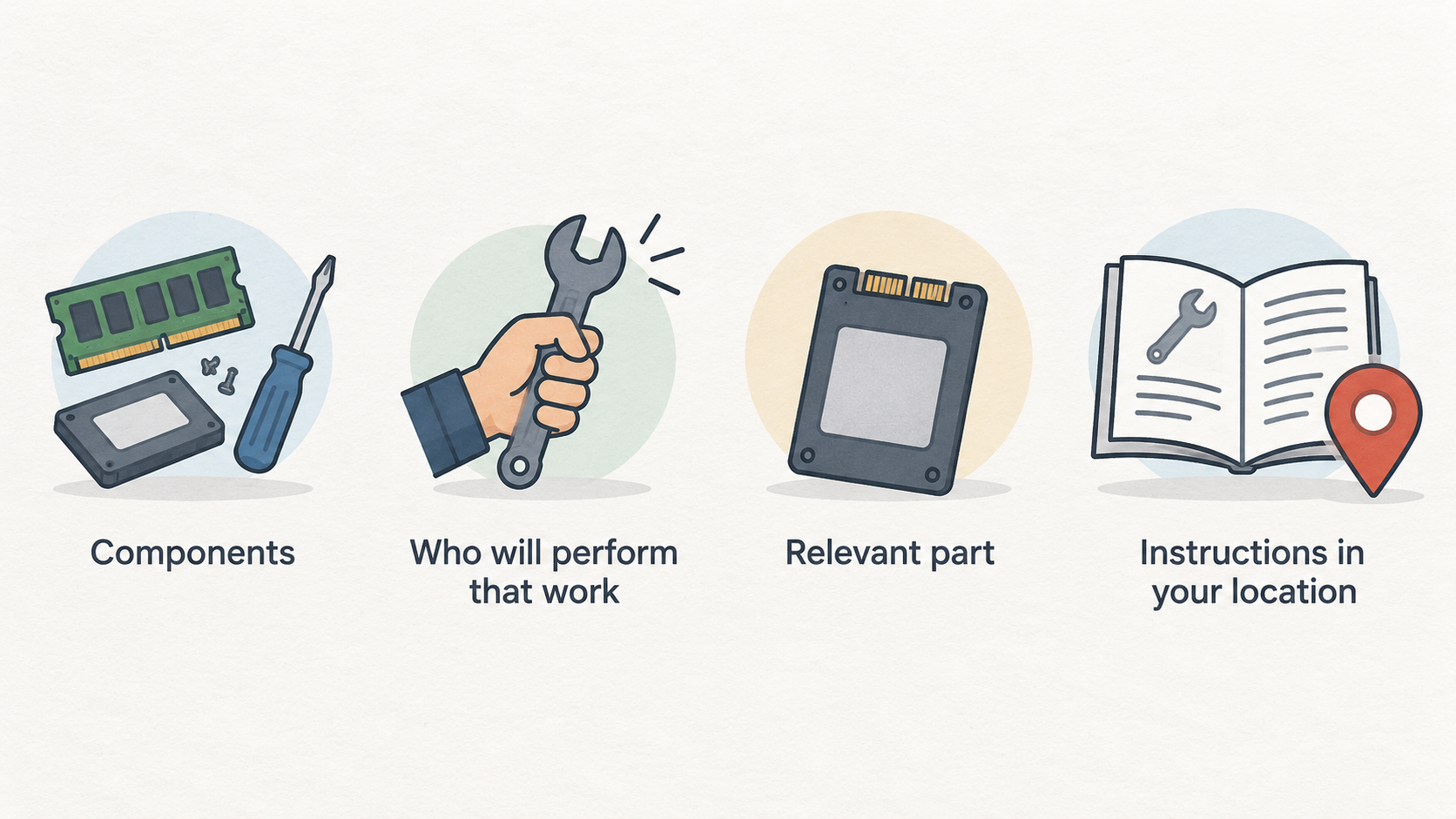
Before ordering, ask a more practical question than “which is most repairable?”: which components may need attention during your ownership period, who will perform that work, and can you obtain the relevant part and instructions in your location? A repairable design is valuable only when its repair path is usable for you.
How we assess repairable business laptops
AI-generated illustration — not a retailer product photo.
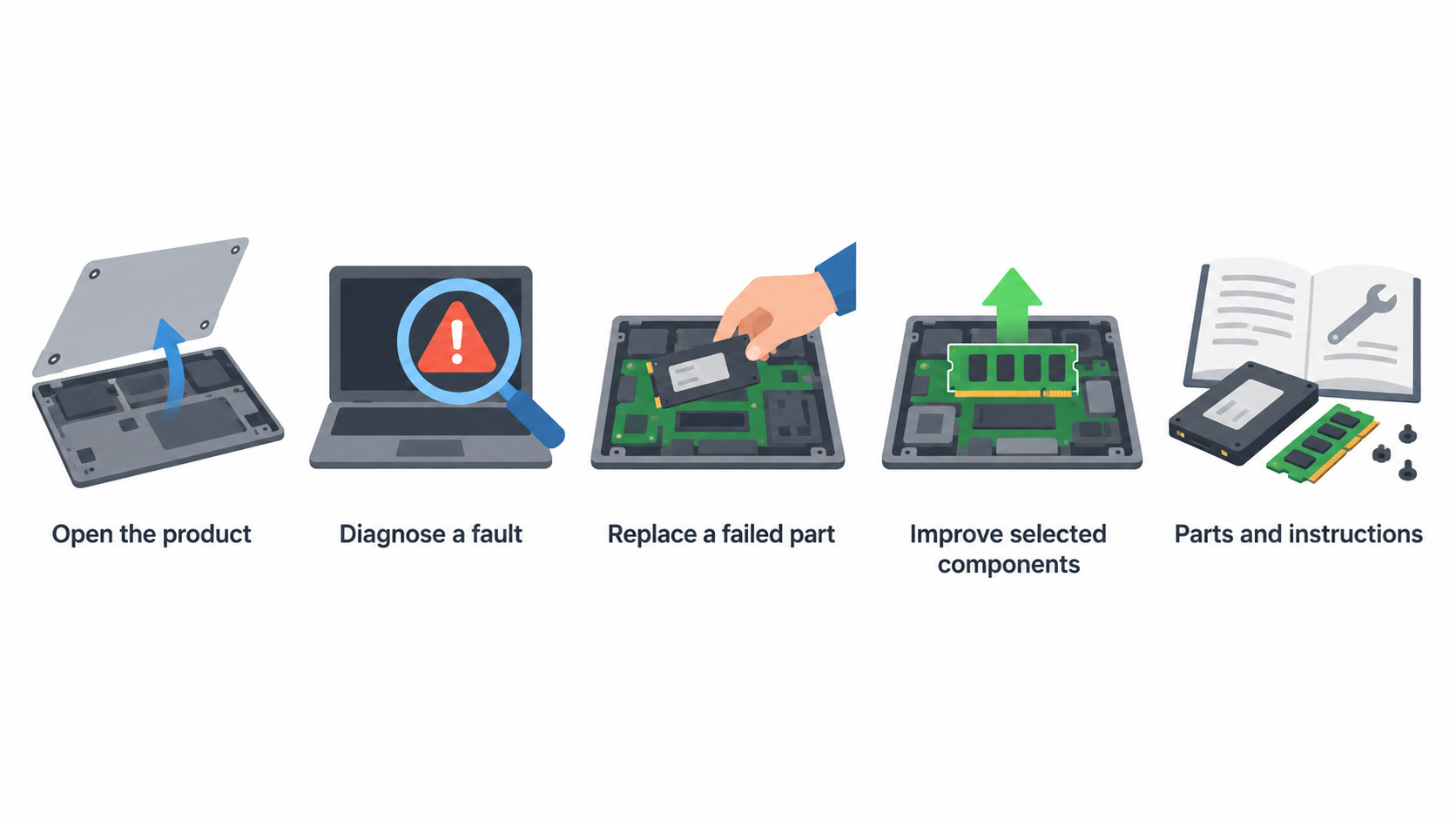
Repairability and upgradeability overlap, but they are not the same thing. Repairability concerns how straightforward it is to open a product, diagnose a fault and replace a failed part. Upgradeability concerns whether a buyer can improve selected components during the product’s life. A laptop can be good at one and less compelling at the other.
iFixit describes its laptop repairability scores as teardown-based assessments from zero to ten, with attention to disassembly and the availability of manufacturer-supplied or endorsed parts and instructions. Its own explanation also makes clear that repairability is broader than a single number. That is the right starting point, not a complete buying verdict.
For a German or European buyer, assess each shortlisted configuration against five checks:
- Can the likely service items be accessed without disproportionate disassembly?
- Are replacement parts and repair instructions available through a route you can use?
- Which upgrades are actually configurable for the exact model being ordered?
- Will an independent repairer, internal IT team or manufacturer service channel handle failures?
- Does the warranty or procurement arrangement change the sensible repair path?
Use a score as evidence to investigate, not as permission to ignore configuration, service and ownership context.
Repairability and upgrade strengths compared
AI-generated illustration — not a retailer product photo.
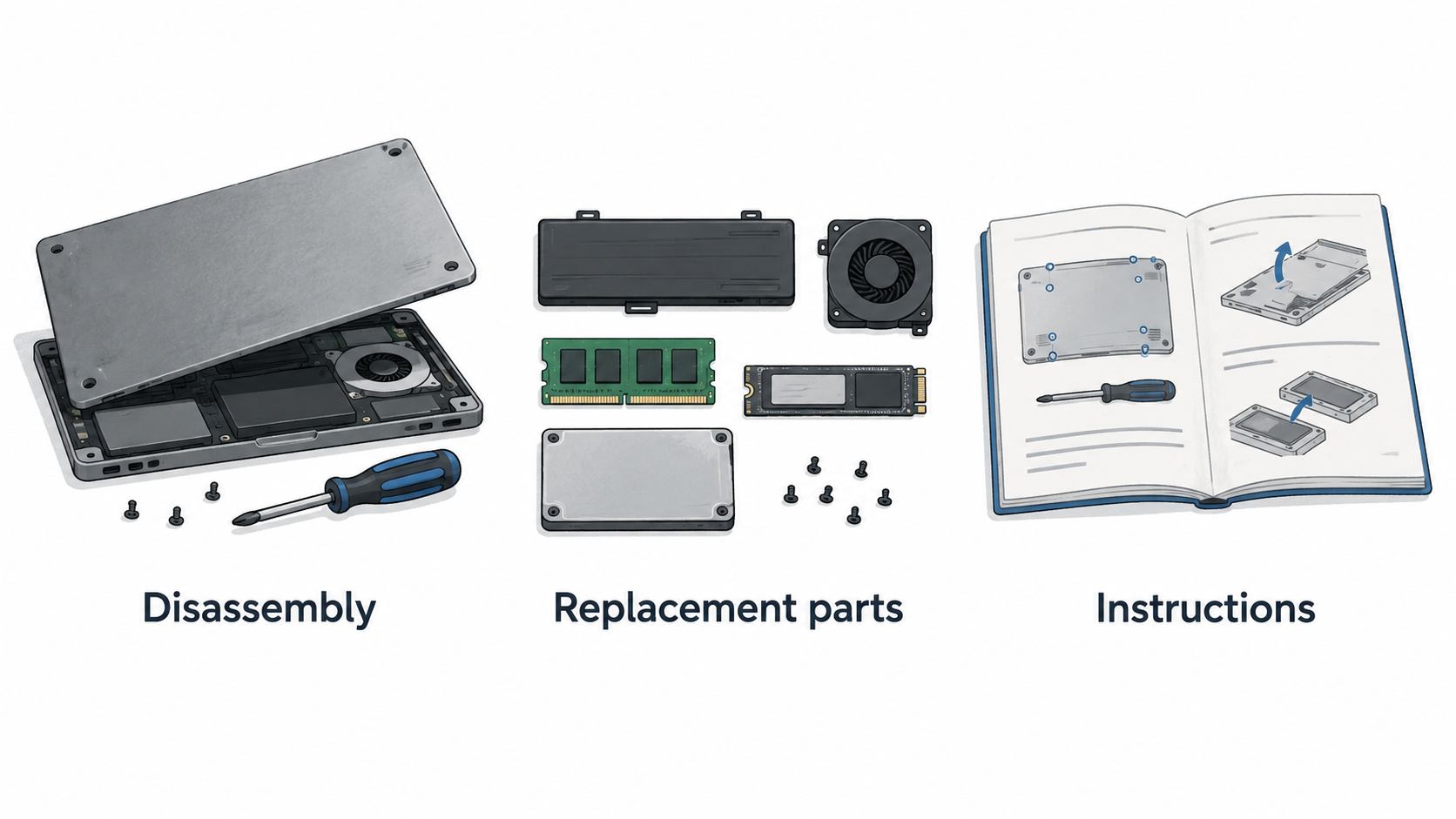
The strongest comparison is a decision matrix rather than an unsupported league table. The supplied independent evidence supports evaluating laptops through disassembly, replacement parts and instructions; it does not provide model-specific scores or teardown findings for every laptop in this shortlist. Treat the matrix below as the questions to verify before purchase.
| Buying priority | What to verify | Why it matters |
|---|---|---|
| RAM and storage | Whether the ordered configuration permits the upgrade you expect | Memory and storage plans can determine useful life more directly than a generic repair label. |
| Battery replacement | Access steps, part route and whether service is practical locally | Batteries are a common long-term ownership consideration. |
| Documentation | A current repair or maintenance guide for the exact generation | A documented path reduces uncertainty before a fault occurs. |
| Parts support | Availability, price and delivery route for likely replacement parts | A theoretically replaceable component is less useful if the part cannot be obtained promptly. |
| Service responsibility | Whether the owner, IT provider or manufacturer will carry out work | The best design choice changes with the person who must complete the repair. |
Framework belongs in the comparison because its modular ownership model is directly relevant to buyers who want to make changes themselves. Lenovo, Dell and HP belong because many business buyers also need conventional support, fleet consistency or supplier familiarity. However, do not translate those broad positions into claims about a particular component, score or service procedure without model-specific documentation.
A good purchase process is therefore two-stage. First, select the ownership model that fits your organisation or home office. Second, confirm the exact configuration’s manuals, service terms and available parts. That keeps a promising repairability story from becoming an expensive assumption.
Limitations and ownership trade-offs
A repairable laptop can still be the wrong purchase. Upgrade opportunities may depend on the exact processor, memory, storage or regional configuration offered at checkout. Parts may be available but costly, delayed or best fitted by a specialist. A business warranty may also make manufacturer or authorised service the more sensible route, even for a technically accessible repair.
Repairability evidence has limits of its own. iFixit says its scoring rubric is updated over time and notes that products scored in different periods may not be directly comparable in precisely the same way. Do not combine scores from different contexts into a false precision ranking, and do not assume that a broad score answers questions about local parts pricing or your warranty.
For small businesses, the cost of downtime can outweigh the appeal of self-service. For home-office owners, the opposite may be true: a documented, manageable repair path can be worth more than a fleet support contract. Fleet buyers should also consider standardisation, spare-device cover, approved repair partners and the administrative cost of many configuration variants.
The practical compromise is to decide in advance what will happen after a battery, storage device, keyboard or other service-relevant item fails. If that plan is unclear before purchase, a repairability claim alone has not reduced your ownership risk.
Alternative pick: Framework Laptop 13
Choose the Framework Laptop 13 as the alternative to investigate first if your priority is a laptop ownership model centred on modularity and owner involvement. It is especially relevant to buyers who see future adjustment and repair access as part of the original purchase decision rather than an emergency response after failure.
That does not automatically make it the best fit for every office. A buyer who relies on a corporate imaging process, a particular service contract, standardised fleet purchasing or externally managed repairs should compare those requirements with the practical support process they need. The right question is not whether a modular machine is appealing in principle; it is whether its ownership model reduces friction for the person responsible for keeping the laptop working.
Before ordering, document the components you expect to change, the skills available to perform the work and the source you would use for parts and instructions. This turns “modular” from a marketing shorthand into a testable procurement requirement.
Lenovo ThinkPad T14 Gen 5: German-market business pick
Lenovo’s German product page identifies the ThinkPad T14 Gen 5 (14-inch Intel) as a current ThinkPad T-series product offered on Lenovo Germany’s site. That makes it a relevant locally presented business-laptop option for this guide, particularly for buyers who want to begin with a recognised 14-inch ThinkPad line and German-market purchasing context.
The supplied Lenovo page establishes product identity and availability context; it does not, by itself, establish a repairability score, component accessibility or configuration-independent upgrade conclusions. Those conclusions should wait for the applicable maintenance documentation and the exact system configuration.
This is the balanced choice to investigate when familiar business-laptop support matters alongside long-term serviceability. Ask Lenovo or your reseller for the relevant service documentation, then confirm the ordered specification rather than relying on a product-family name. If the buyer expects internal IT or a local repair provider to handle faults, include that team in the pre-purchase check. If the owner expects to upgrade or repair personally, confirm the intended parts path and instructions first.
Dell Latitude 5450 and HP EliteBook 840 G11: enterprise alternatives
The Dell Latitude 5450 and HP EliteBook 840 G11 are sensible enterprise alternatives to place beside the Framework and ThinkPad options when your purchasing decision is shaped by an existing Dell or HP relationship, standardisation needs or a managed-device process. The supplied evidence does not corroborate model-specific repair findings for either machine, so this guide does not assign them component-access, upgrade or repairability rankings.
Instead, use the same evidence-led checklist for both. Request the exact model’s service documentation; verify the configuration you will receive; identify the parts and repair route available in Germany or your European market; and compare warranty, turnaround and downtime arrangements with your real working needs.
For a fleet, the better alternative may be the one that fits approved procurement, imaging and support processes with the least disruption. For an individual buyer, it may be the one whose likely repair and upgrade path is easiest to understand and use. Those are different decisions, and neither is resolved by an unsupported product-family claim.
Which repairable business laptop should you buy?
Use the shortlist by buyer fit rather than by an artificial first-to-fourth ranking.
| Your situation | Start with | Decision test before buying |
|---|---|---|
| You want owner-led modularity and future changes to be central | Framework Laptop 13 | Confirm that its ownership model, available instructions and parts route suit your skills and support plan. |
| You want a current ThinkPad offered through Lenovo Germany | Lenovo ThinkPad T14 Gen 5 | Confirm the precise configuration, maintenance information and local service route. |
| Your organisation already works with Dell | Dell Latitude 5450 | Compare the exact device’s documentation and repair process with your fleet support requirements. |
| Your organisation already works with HP | HP EliteBook 840 G11 | Check configuration, service terms and likely downtime against the existing procurement model. |
For a home office, prioritise the repair path you can realistically use. For a small business, weigh repair access against the cost of interruption. For a fleet, assess consistency and service responsibility alongside each device’s documented serviceability. In every case, the supplied evidence supports treating repairability as a multi-factor decision: straightforward disassembly, replaceable parts and usable instructions matter together.
A final pre-order check should record your intended memory and storage horizon, expected repair owner, support contact and replacement-device plan. That short exercise is more useful than relying on a generic claim that a laptop is “upgradeable.”
Frequently Asked Questions
Are repairability scores enough to choose a business laptop?
No. iFixit’s scoring framework is useful independent evidence because it examines ease of repair and the availability of parts and instructions. But it is only one part of the decision. Check the exact configuration, local parts route, service responsibility, warranty and the cost of downtime before choosing.
Which upgrades should buyers check before ordering?
Check the upgrades that matter to your planned ownership period, especially memory and storage expectations, along with the documentation and parts route for the exact model. Do not assume that an option available in one configuration applies to every variant in a product family.
When is repairing a business laptop better value than replacing it?
Repair is usually worth evaluating when the repair path is documented, the required part is obtainable and the disruption is acceptable for the owner or organisation. Replacement may be more practical when downtime, service complexity or support arrangements make repair disproportionately costly. Compare the full interruption and service cost, not only the component price.
Does opening a laptop for an upgrade affect its warranty?
Warranty terms and authorised-service requirements can vary by seller, market and purchase agreement. Read the terms for the exact laptop and ask the seller or support provider before opening the device. For managed business devices, also confirm the organisation’s internal repair policy.
[Primary CTA: Compare your repair-versus-replace costs before you buy.]
Sources
Related reading
- Framework Laptop 13 vs Lenovo ThinkPad T14 Gen 5: repairability, upgrades, and ownership fit
- Framework Laptop 13 review: repairability, practical limits, and alternatives
- How to choose a repairable laptop: parts access, documentation, and upgrade checks
- Repair or replace an ageing Windows laptop: a total-cost decision guide
Editorial information: About our editorial team · Read our editorial policy · Read our affiliate disclosure.