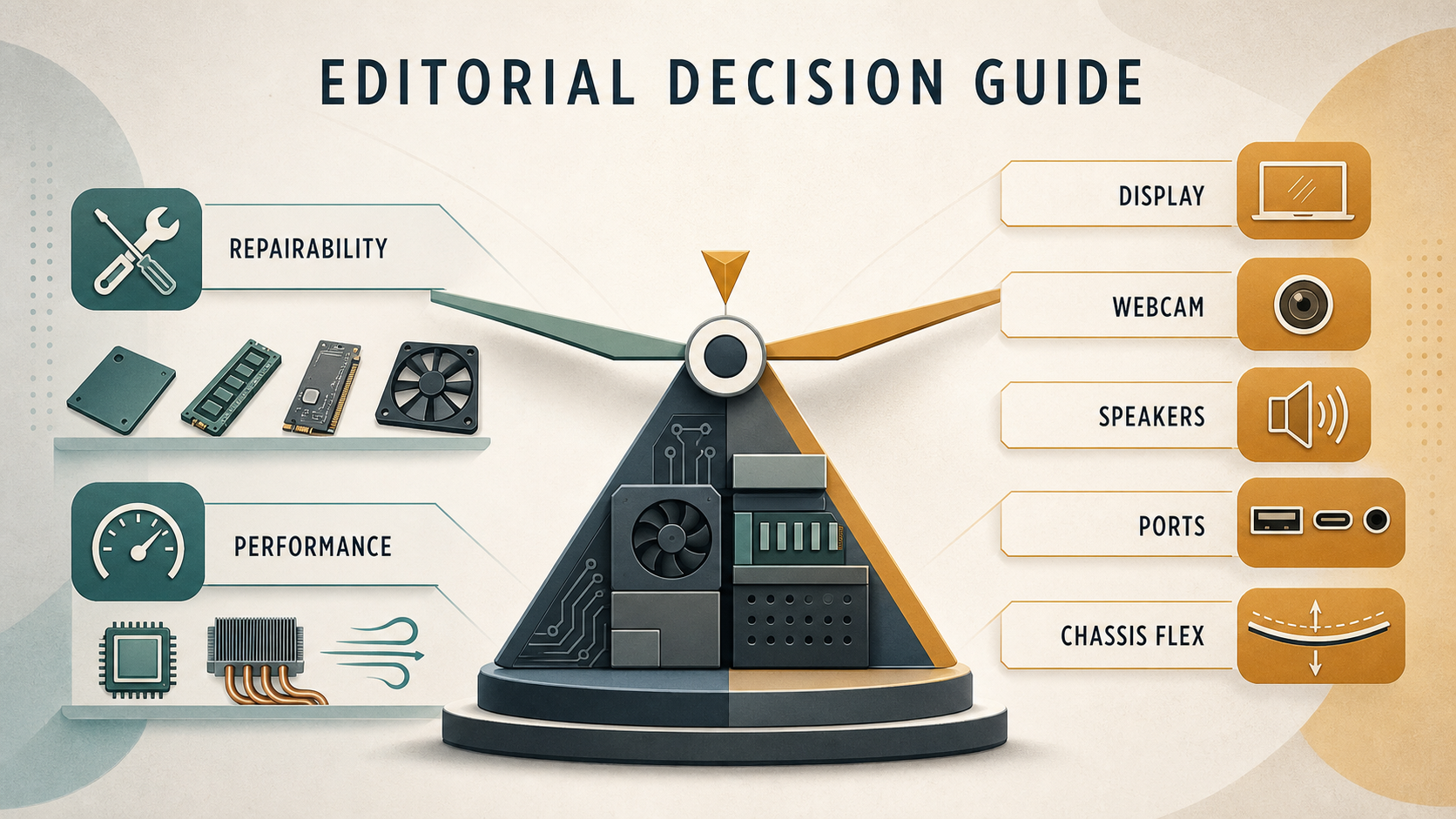
The Framework Laptop 13 makes a persuasive case that an ultraportable can be treated as a long-term device rather than a sealed purchase. Its central appeal is not simply a particular processor: it is the ability to access, replace and reconfigure major parts as your needs change. That makes it especially interesting for home-office users and smaller organisations that value maintainability.
Verdict
AI-generated illustration — not a retailer product photo.
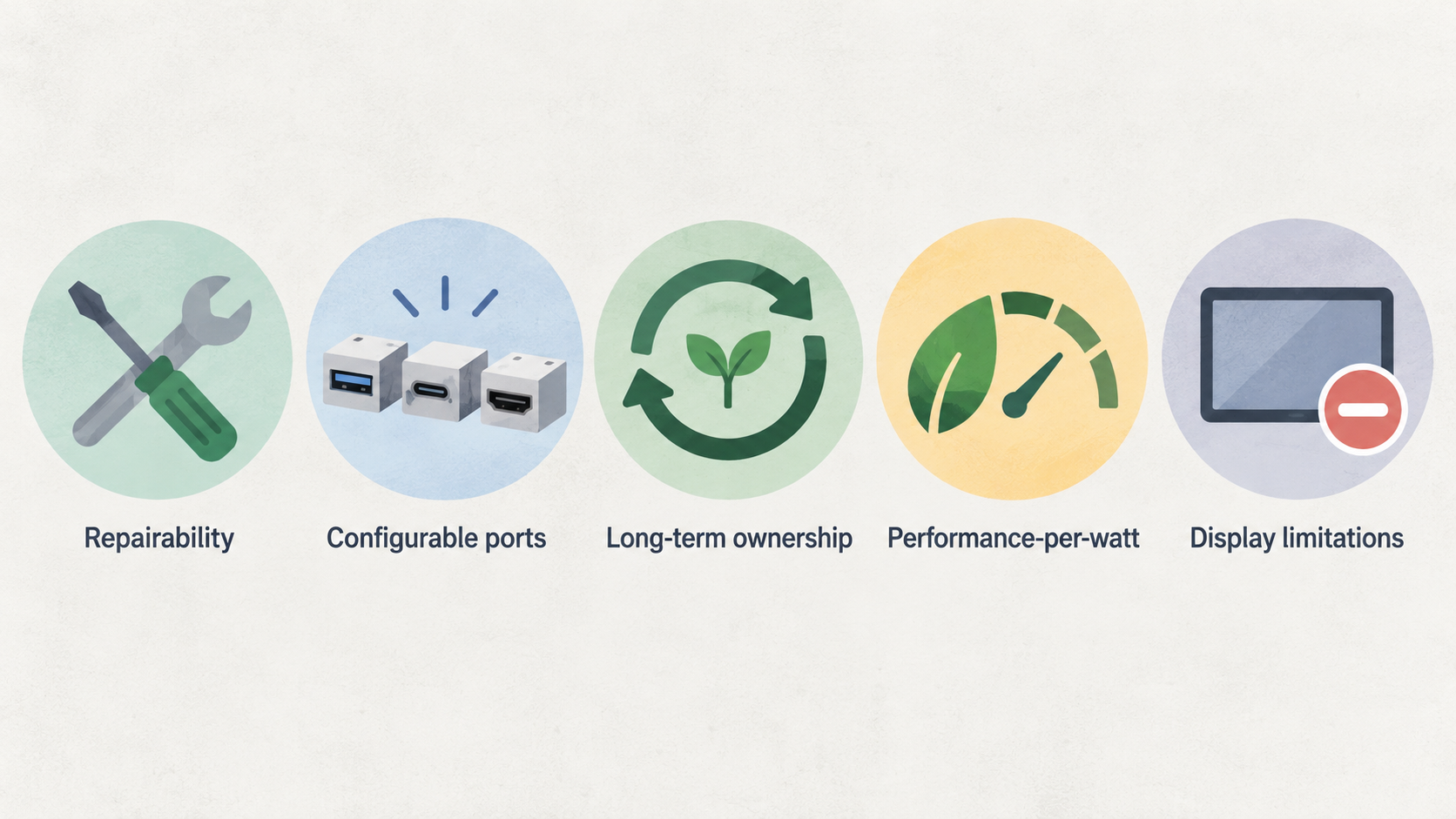
The Framework Laptop 13 is a sensible choice for buyers who put repairability, configurable ports and long-term ownership ahead of having every current premium feature. The official guide library covers replacement, repair and upgrade procedures for a broad range of components, while an independent review found the latest Ryzen AI 9 model substantially faster than older Core Ultra and Ryzen U versions without requiring a larger cooling solution.
That does not make every configuration the automatic recommendation. The current Ryzen AI model brings strong performance-per-watt, but the same review identifies compromises in the mature chassis, including a dated webcam and speakers, display limitations, chassis flex and USB-C ports with differing capabilities. Older Core Ultra configurations may make more sense when peak performance is unnecessary: they can cost less, offer essentially the same overall experience and, according to the review, deliver longer battery life with four identical USB-C 4.0 ports.
Buy it if serviceability is part of the purchase decision. Skip it if an OLED-class display, strong multimedia hardware or maximum chassis rigidity matters more than repair access.
What the Framework Laptop 13 Is
AI-generated illustration — not a retailer product photo.
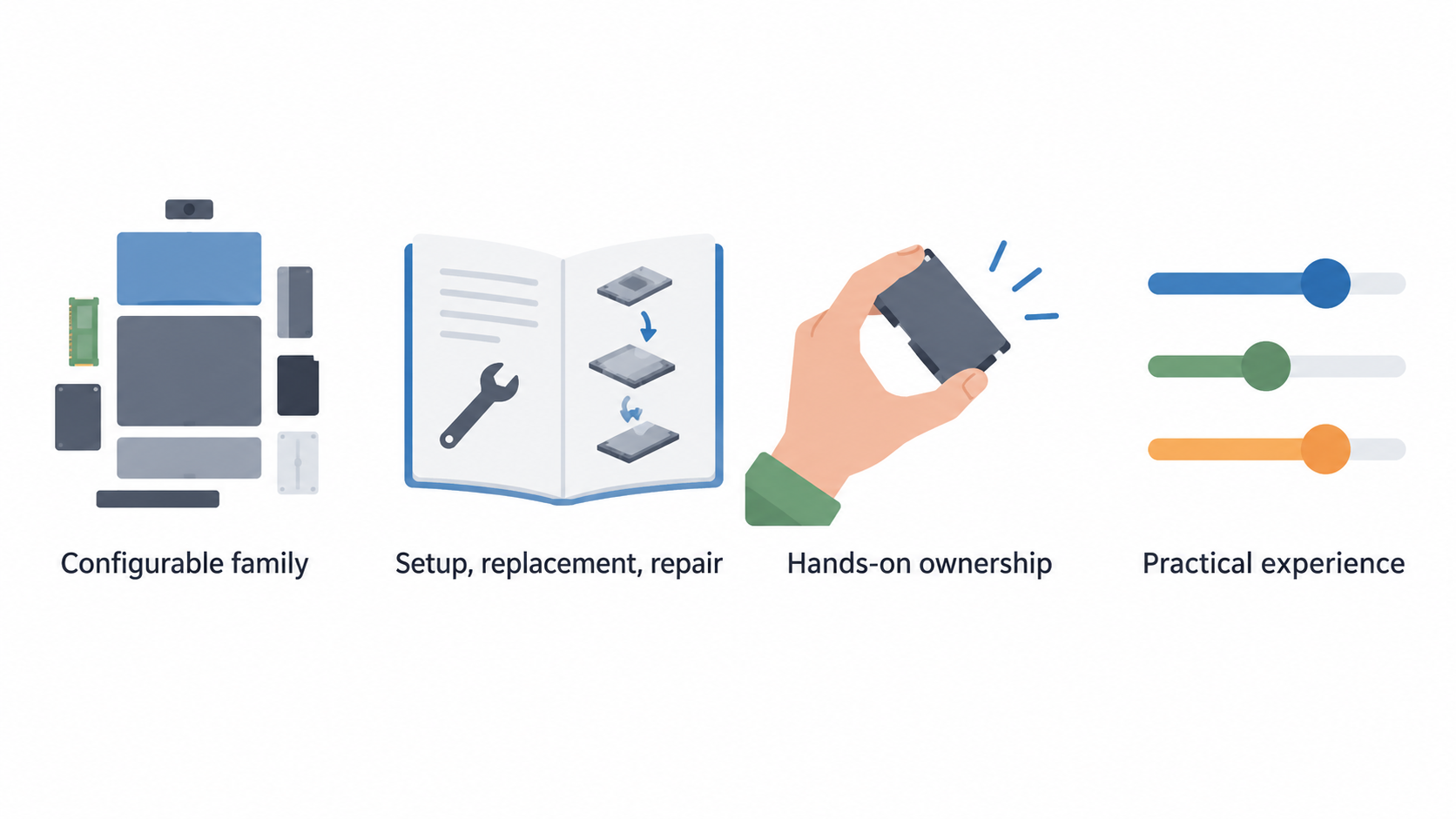
The Laptop 13 is best understood as a configurable family of ultraportables, not one fixed specification. Framework’s official documentation includes setup, replacement, repair, installation and how-to material for the Laptop 13, covering items from the battery, display, keyboard, memory and storage to the mainboard, webcam, speakers, hinges and expansion cards. That documented scope supports a more hands-on ownership model than a typical laptop that is designed around sealed assemblies.
The configuration still changes the practical experience. Notebookcheck found the Ryzen AI 9 HX 370 version a sizable performance upgrade over 2024 Core Ultra 7 and Zen 4 Ryzen U configurations, while retaining compatibility with older Laptop 13 configurations through the existing cooling approach. The same review presents a meaningful trade-off: the slower Core Ultra models can be cheaper, provide essentially the same user experience for less demanding work and offer longer battery life, whereas the Ryzen AI machine is the better fit for buyers who genuinely need more performance.
For an overview of the wider category, see our ultraportable laptop buying guide.
Strengths: Repairability, Upgrades and Configuration
AI-generated illustration — not a retailer product photo.
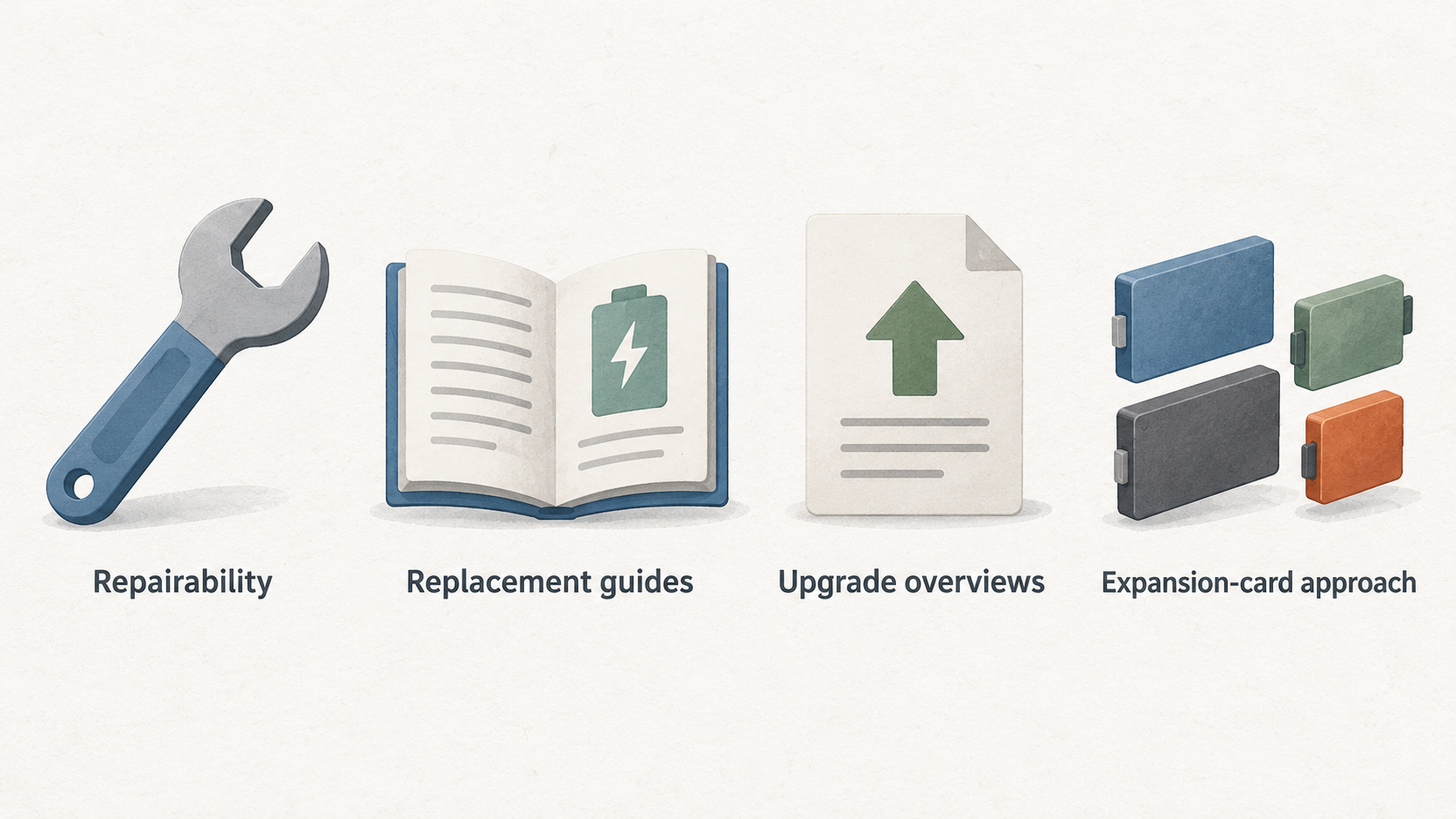
Repairability is the clearest reason to choose this machine. Framework publishes replacement guides for core components including the battery, display, keyboard, mainboard, memory, storage, webcam, Wi-Fi module, speakers, touchpad and heatsink and fan. It also provides repair guides for selected faults and accessories, plus upgrade overviews for earlier Intel and AMD Ryzen generations. This does not guarantee that every repair will be inexpensive or suitable for every owner, but it gives buyers a documented route to assess a repair before treating the laptop as disposable.
The expansion-card approach is another practical benefit. It allows owners to configure ports around their current desk, travel or peripheral needs rather than accepting a permanently fixed port mix. That flexibility is valuable if your requirements change, although the exact capabilities of the built-in USB-C ports should still be checked for the chosen configuration.
The Ryzen AI 9 version strengthens the proposition for users who need more headroom. Independent testing describes a substantial improvement in performance over older configurations, with high performance-per-watt, while the retained cooling design helps preserve part compatibility with prior Laptop 13 systems.
The ownership advantage is therefore broader than a single upgrade. A buyer can consider a component replacement, a mainboard-era upgrade or a port change separately. Consult our laptop repairability guide and USB-C expansion and docking guide before choosing a configuration.
Limitations and Practical Caveats
The Framework Laptop 13’s design is mature, and that maturity brings real compromises. Notebookcheck reports that its USB-C ports are not identical in feature support. For a home-office setup involving displays, docks or fast storage, that is worth checking before assigning a particular port to a permanent role. Do not assume that a connector with the same shape offers the same capabilities.
The review also finds the 2 MP webcam and speakers behind current competing models, and notes flex in both the lid and base. These points may be minor for an owner who uses an external webcam, headset and mostly stationary desk setup. They matter more if frequent video calls, built-in audio, travel and a particularly rigid premium feel are priorities.
Display expectations need similar care. The reviewed design lacks OLED, P3-wide-colour and HDR options, so it is not the natural choice for buyers who place colour-critical work, high-contrast media or a premium display experience at the top of their list.
Battery life should be treated as configuration-specific rather than as a Laptop 13 guarantee. The independent review says the cheaper, slower Core Ultra configurations offer longer battery life, while listing slightly shorter battery life among the Ryzen AI 9 model’s drawbacks. Compare the precise model rather than relying on the family name.
Alternatives and Who Should Choose Them
Start by deciding which limitation is least acceptable. Buyers who need maximum performance should compare current ultraportables on the exact workloads they use, then decide whether Framework’s repair and configuration benefits justify any difference in display, multimedia hardware or build rigidity. The Ryzen AI 9 Laptop 13 is the within-family option for users who need more performance, but it is not a substitute for comparing the overall ownership experience.
A conventional ultraportable is likely to be a better match when you prioritise an OLED or wide-gamut display, HDR support, stronger built-in webcam and speakers, or a stiffer chassis. These are the areas where the independent review identifies the Framework’s ageing design as a disadvantage.
An older Laptop 13 configuration is the more measured alternative when you value the Framework concept but do not need the Ryzen AI model’s extra speed. Notebookcheck says older configurations can provide essentially the same user experience for less, and specifically describes Core Ultra models as a trade-off with longer battery life and four identical USB-C 4.0 ports.
For broader comparisons, use our best business laptops guide and Framework Laptop 13 configuration guide as decision checklists rather than assuming a single winner suits every desk.
Buying Guidance for European Owners
Before buying, identify the work you expect the laptop to do for the next few years. Choose the higher-performance configuration only if your workload needs it; otherwise, assess whether an older configuration’s lower price and potentially longer battery life better fits your use.
Next, map your ports. List displays, docks, storage and charging needs, then verify the behaviour of each USB-C port on the precise configuration you intend to order. If repairability is central to your decision, review Framework’s documentation for the components you are most likely to replace, such as battery, keyboard, storage, display or mainboard.
Finally, check current parts availability, pricing and support terms for your market before purchase. The guide coverage shows that Framework documents many replacement and repair procedures; it does not by itself establish the availability or cost of a particular part in every European country.
Use our repair-versus-replace laptop guide to decide whether a targeted repair or upgrade can extend the useful life of your current machine.
Frequently Asked Questions
Is the Framework Laptop 13 genuinely repairable for an ordinary owner?
It is documented for owner-accessible repair and replacement across many major components, including the battery, display, keyboard, memory, storage, mainboard, webcam and speakers. Whether a particular job is suitable for you depends on the procedure, tools, confidence and availability of the required part.
Should I choose a current Ryzen AI configuration or an older Framework Laptop 13?
Choose Ryzen AI when you need the reviewed model’s substantial performance improvement and high performance-per-watt. Consider an older configuration when that extra speed is unnecessary: the independent review says older models can offer essentially the same user experience for less, while Core Ultra versions offer longer battery life and four identical USB-C 4.0 ports.
Is the Framework Laptop 13 a good choice for home-office work?
It can be, particularly when replaceable parts and configurable ports are useful to your setup. Buyers who rely on the built-in webcam, speakers or a premium display should weigh the review’s cautions about those areas before choosing it.
When is it better to repair or upgrade a laptop instead of replacing it?
Consider repair or upgrade when the machine still meets your performance needs and the issue is isolated to a documented, replaceable component. Check the specific guide, part availability and total cost first; documentation support alone does not confirm the right economic choice for every repair.
Sources
Related reading
- Best repairable business laptops for German buyers: evidence-led top choices
- Framework Laptop 13 vs Lenovo ThinkPad T14 Gen 5: repairability, upgrades, and ownership fit
- Lenovo ThinkPad T14 Gen 5 review: serviceability, configuration choices, and buyer fit
- RAM or SSD upgrade first: how to diagnose the better laptop upgrade
Editorial information: About our editorial team · Read our editorial policy · Read our affiliate disclosure.